Save recipes from recipe services
Saving from recipe services
On recipe services such as Cookpad, you can save a recipe by tapping the share button on the recipe screen and choosing Repitta.
Example with Cookpad
- 1
Tap Share on the recipe you want to save
Tap “Share this recipe”, outlined in red.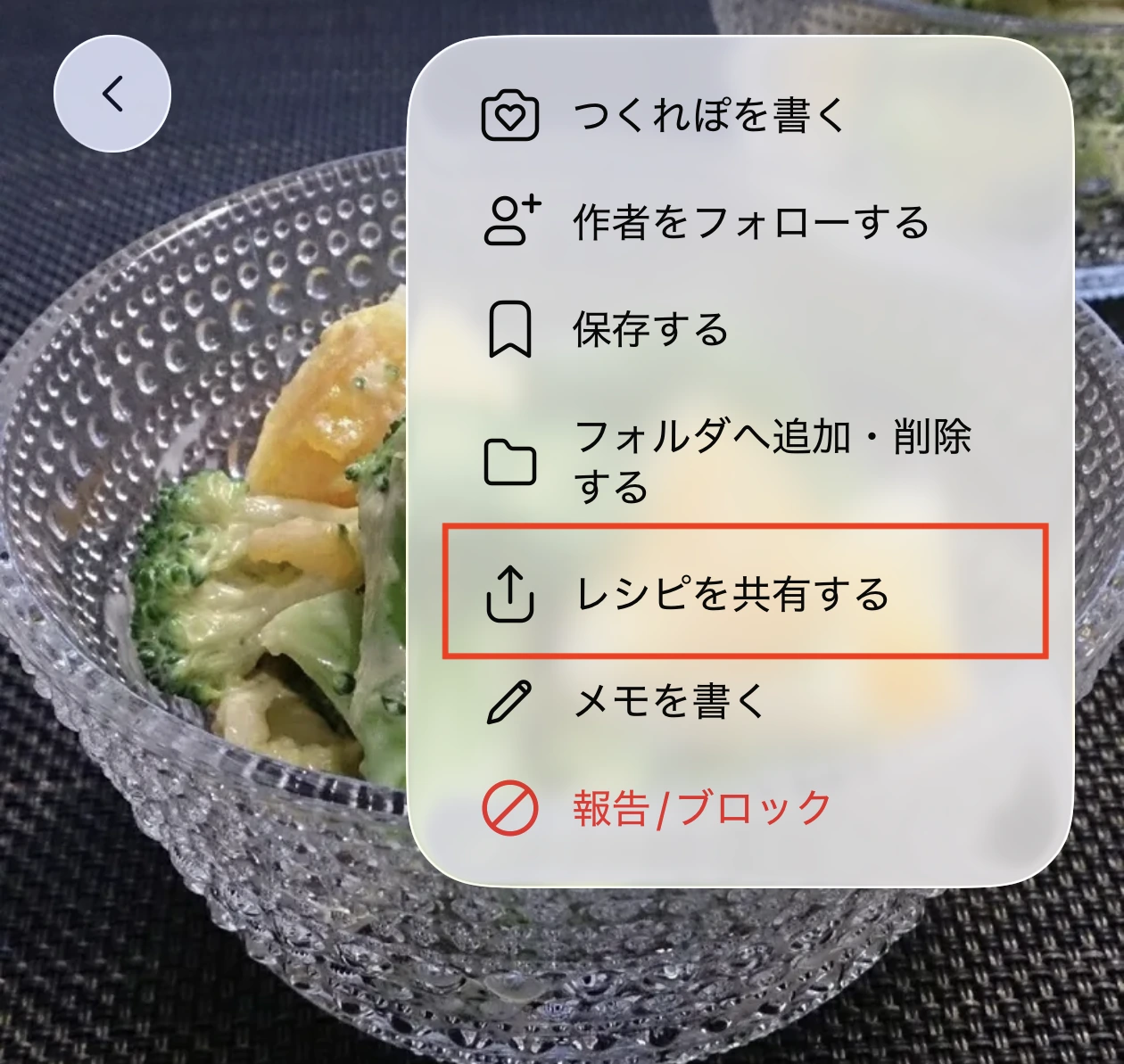
- 2
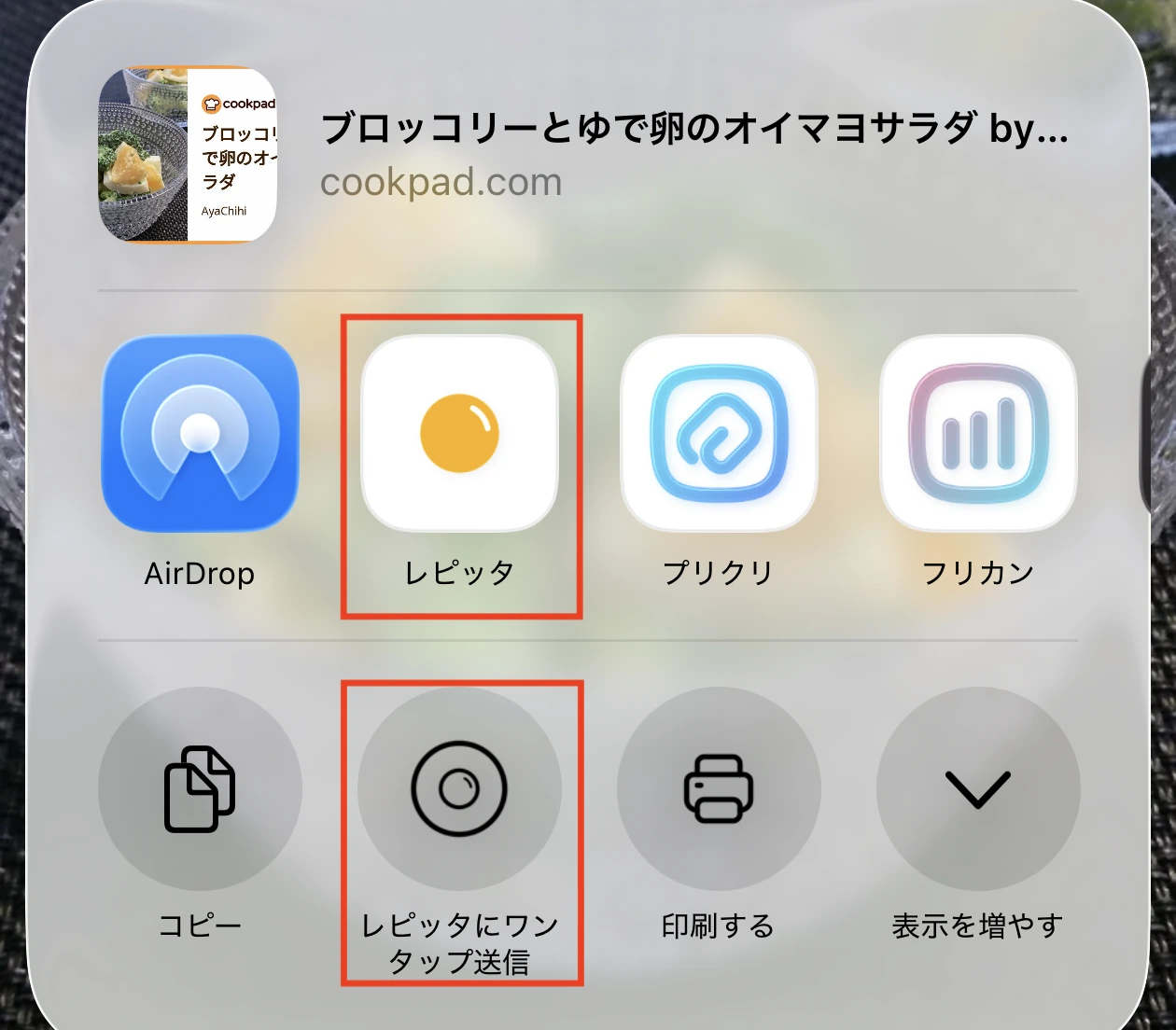
Choose Repitta
Pick Repitta from the list of apps. If it is missing, add it from More. Tapping the app icon lets you set the category and other details, while one-tap send is the quickest way to save.