Save recipes from recipe services
Saving from recipe services
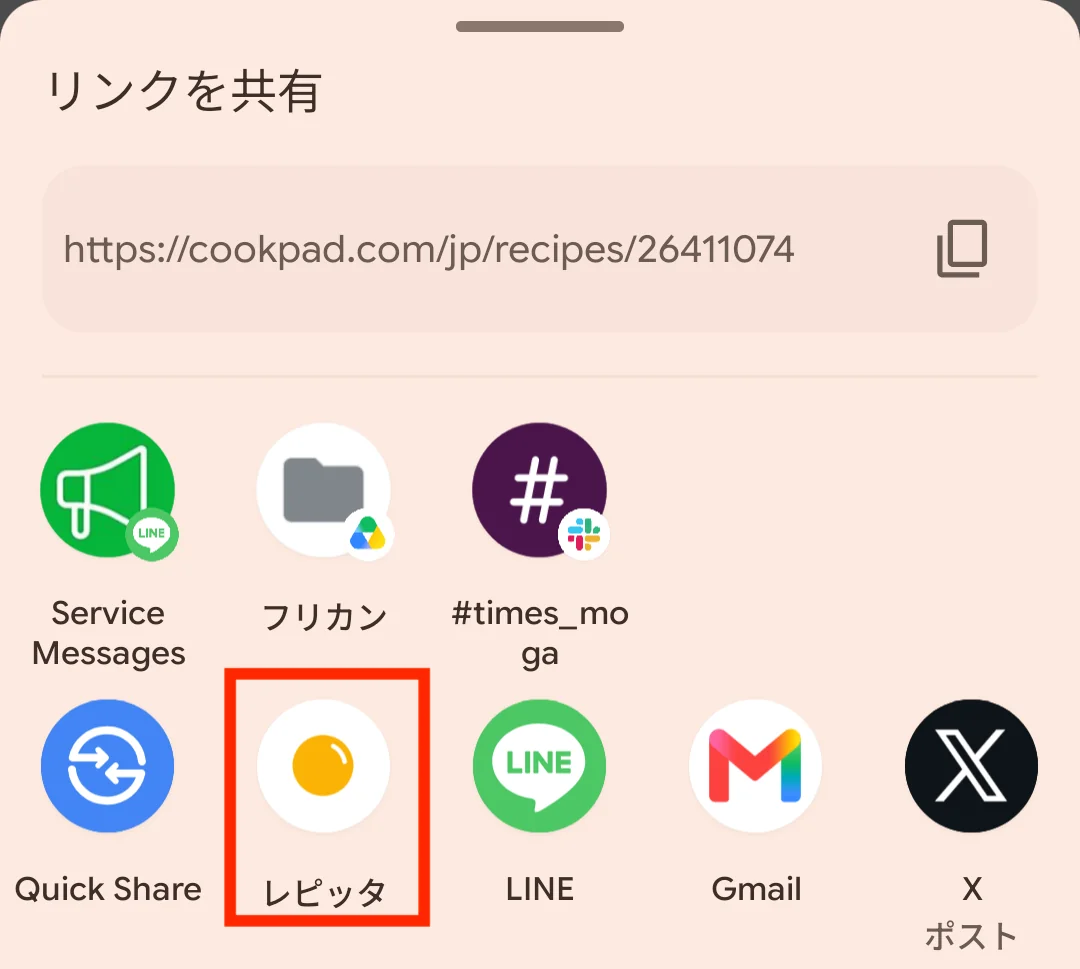
On recipe services such as Cookpad, you can save a recipe by tapping the share button on the recipe screen and choosing Repitta.
Example with Cookpad
- 1
Tap Share on the recipe you want to save
Open the recipe you want to save and tap “Share this recipe”.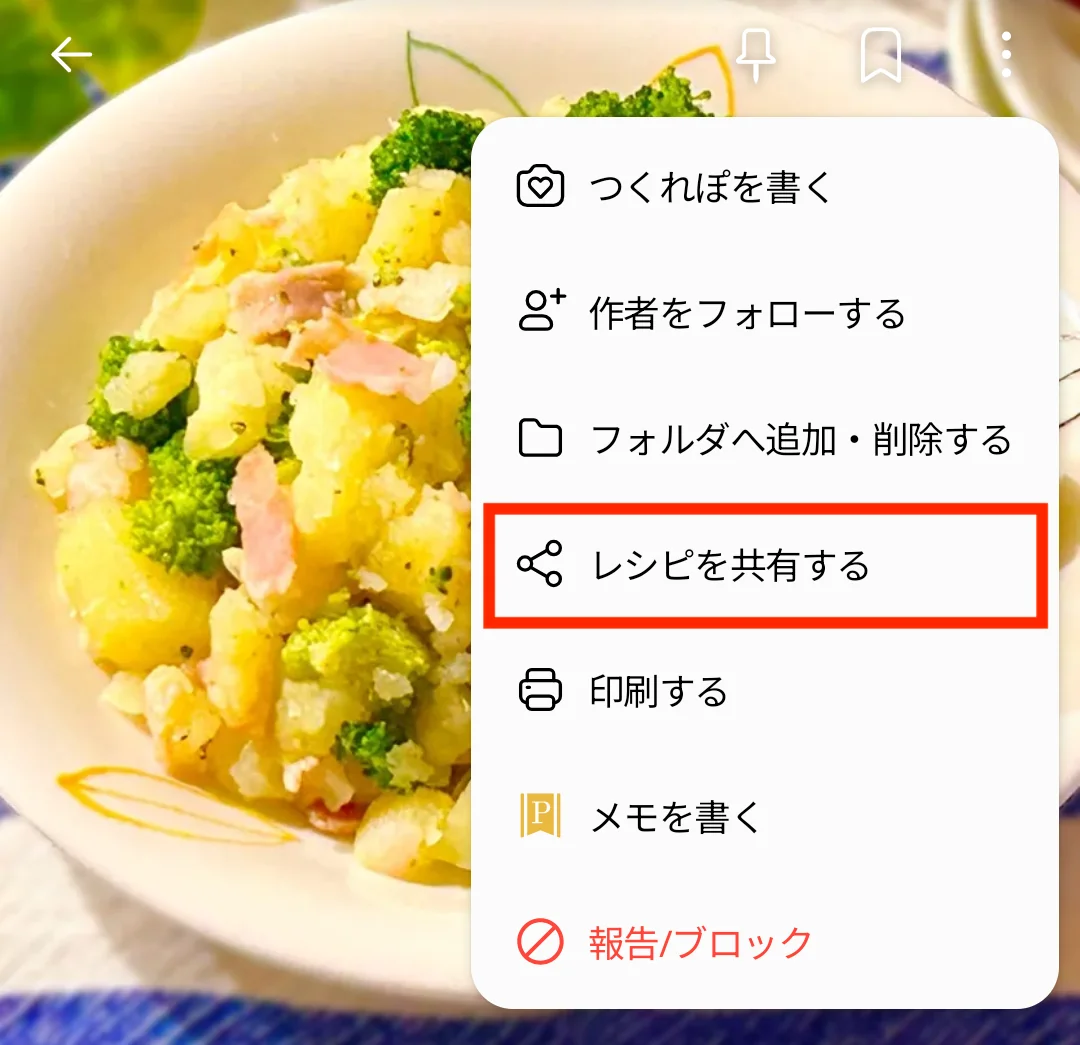
- 2
Choose Repitta
Pick Repitta from the share destinations. If it is missing, expand the list to find it.