Tips & tricks
Android
Learn how to save recipes from the Android share menu and use the Repitta widget.
Save recipes more quickly
On Android, you can save a recipe to Repitta directly from the Share command in another app.
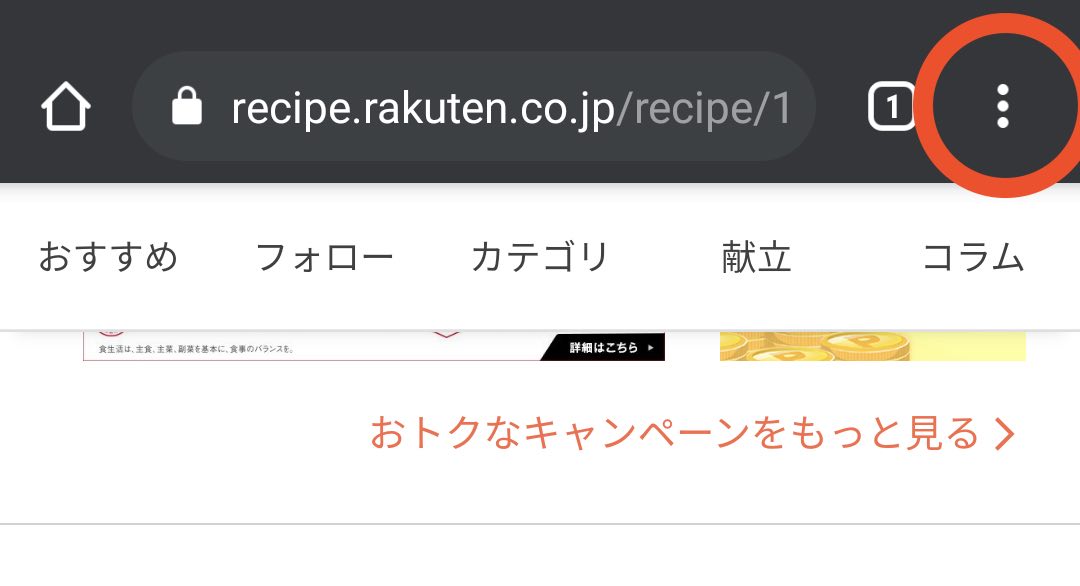
- 1Open a recipe page in Chrome and tap the menu button in the upper-right corner.
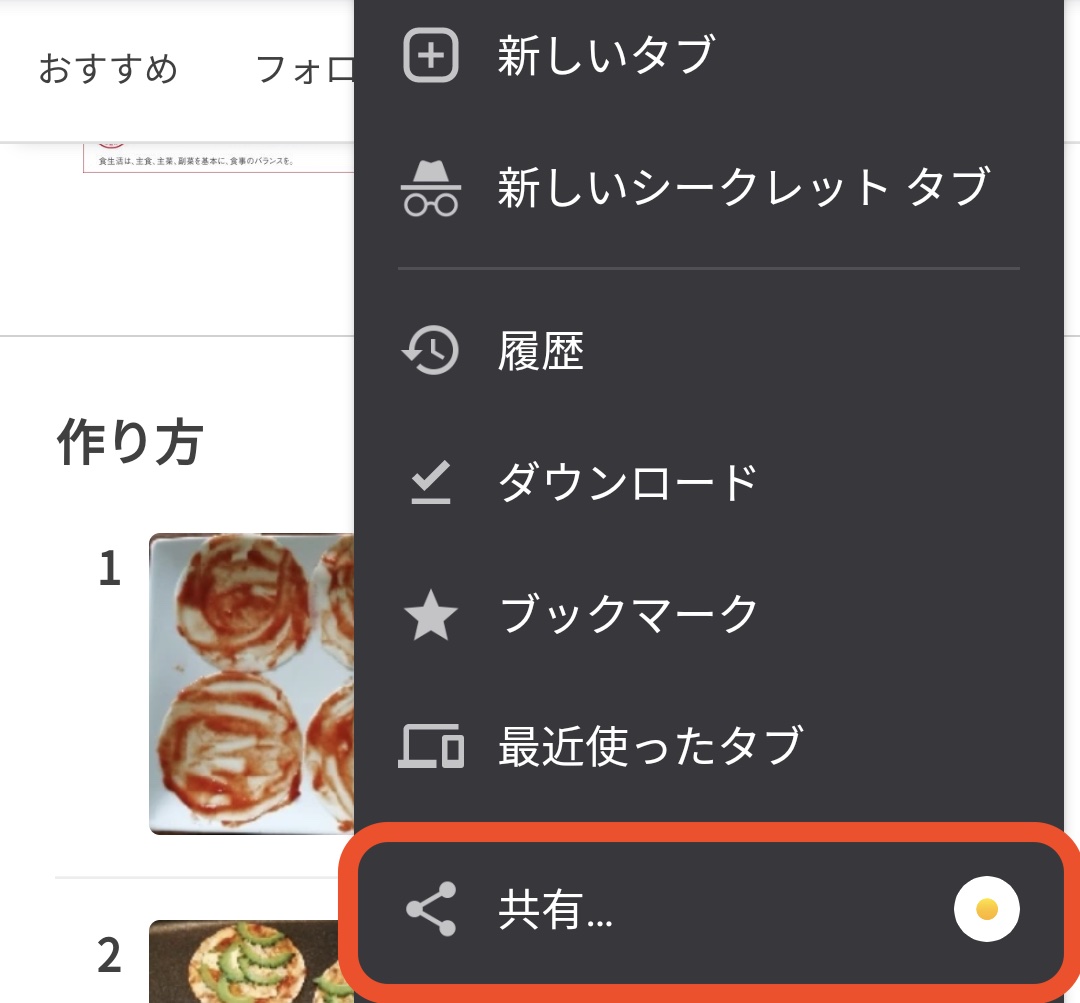
- 2Tap Share.
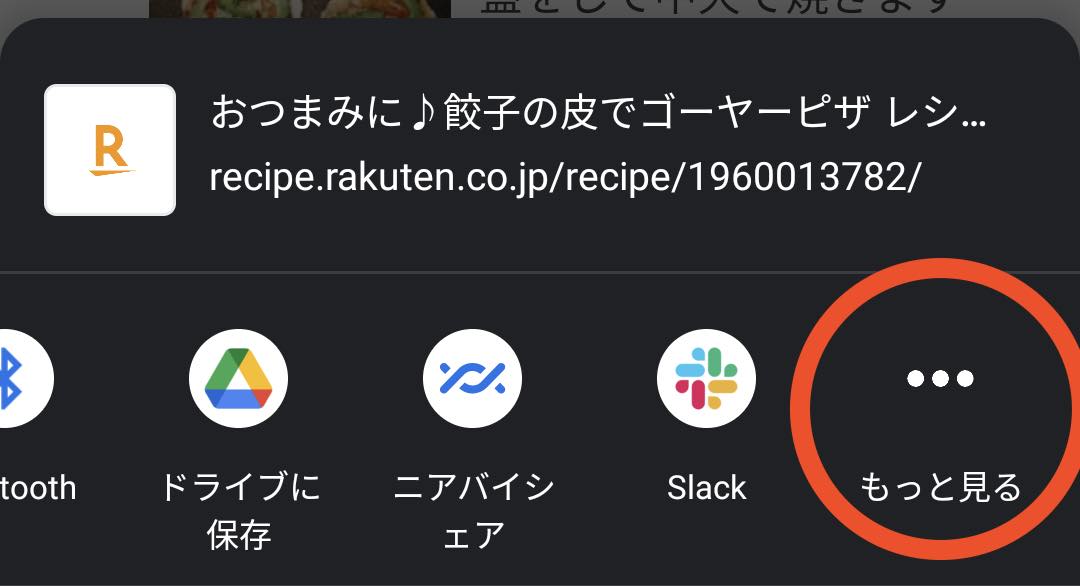
- 3Scroll the row of app icons and tap More.
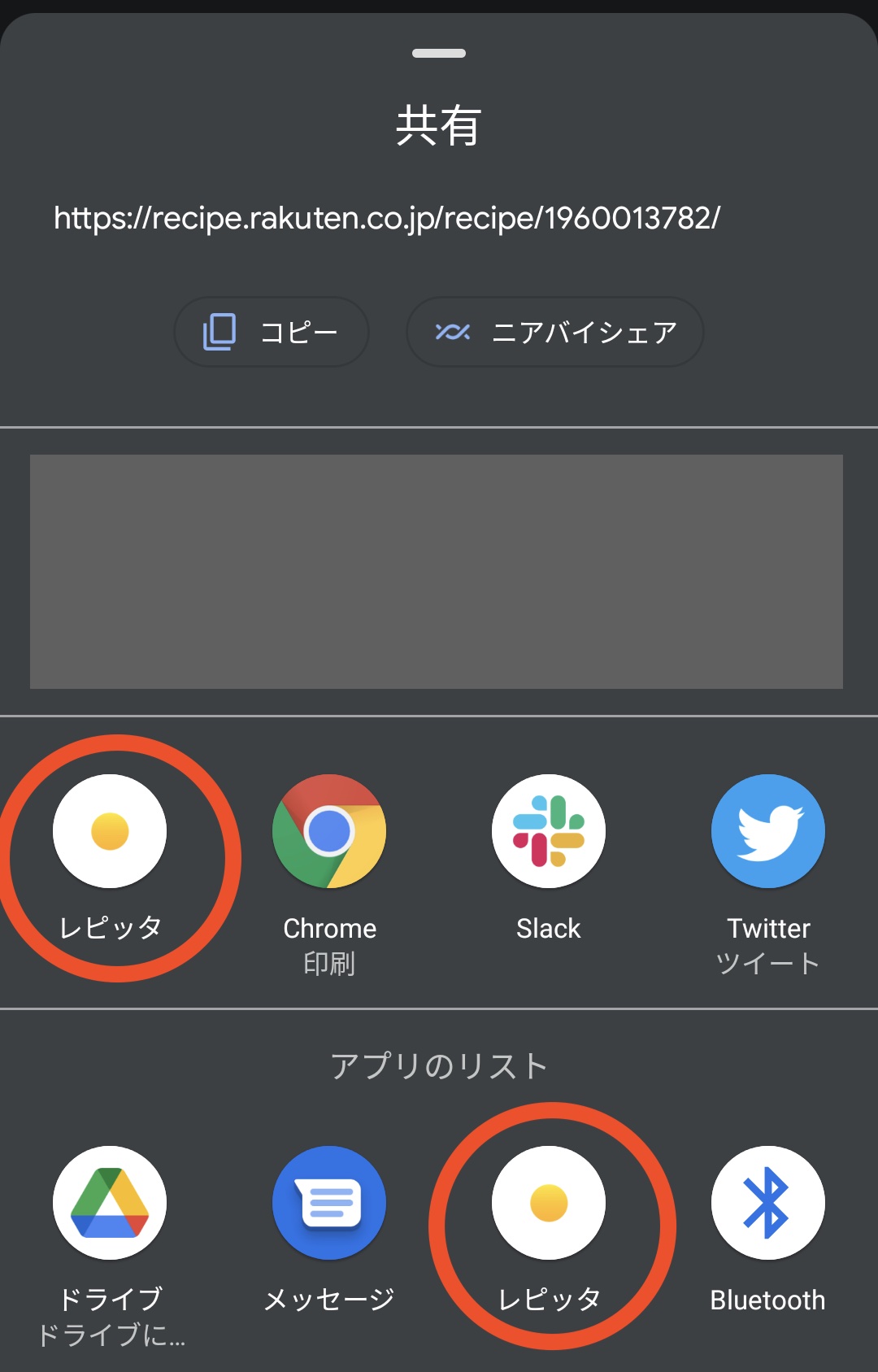
- 4Find and tap the Repitta icon.
- 5Repitta opens with the recipe URL already entered on the recipe import screen.
That’s it. You can now send recipe pages to Repitta without copying and pasting their URLs.
Use the widget
The Repitta widget lets you discover recipe ideas from your Home Screen without opening the app.
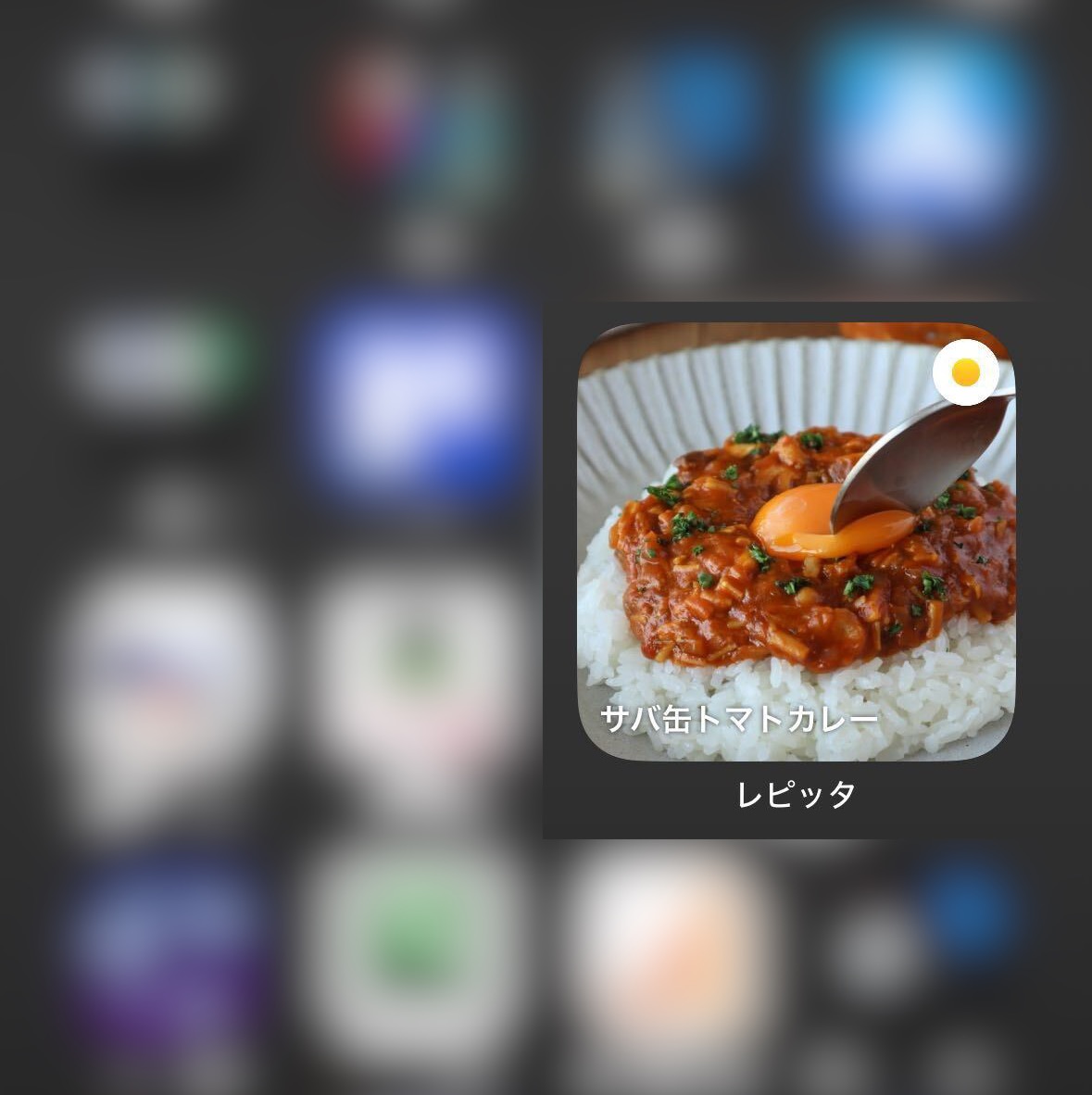
The widget shows recipes from Repitta’s Discover feature. Anyone can browse these recipes.
See Google’s instructions to add or resize a widget.
Add and resize widgets